Bloody Ragdoll Physics Controls
How to aim, swap tools, open sandbox menus, and film physics tests on every device.
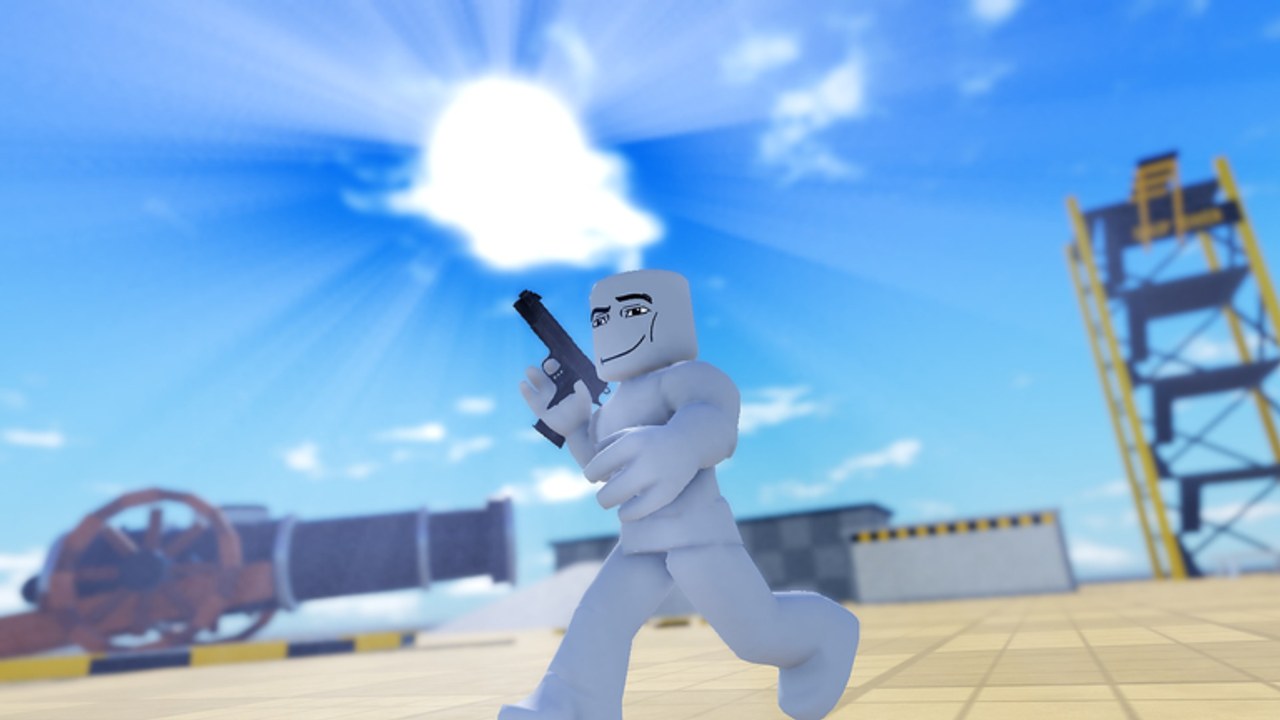
Bloody Ragdoll Physics runs on PC, phone, and console, but the developer has not published a full public keybind sheet for every patch. This guide documents the reliable UI flow plus standard Roblox movement so you can still run clean physics tests. When an on-screen prompt disagrees with this page, trust the in-game label — menus move more often than the sandbox loop itself.
If you are brand new, finish the getting started checklist first, then return here when weapon wheels, syringe trays, or time controls feel buried.
Universal loop (every device)
Every useful session follows the same six beats:
- Move into a clear sightline on a dummy or prop.
- Open the weapon, syringe, vehicle, event, or sandbox picker from the on-screen HUD.
- Equip one tool — not three.
- Use primary fire / activate on the subject.
- Observe the full ragdoll reaction, optionally with slow motion.
- Reset the scene, rewind, or spawn a fresh dummy before the next variable.
That loop matters more than memorizing letter keys. Rankings on the tier list hub assume you can isolate one tool; messy input is why tests feel random.
PC movement and camera
On desktop, Roblox defaults apply unless the experience remaps them:
- WASD — walk relative to the camera.
- Mouse — look / aim. Hold right mouse if the experience uses click-to-lock style cameras; otherwise free look follows the cursor.
- Left click — primary use for the equipped weapon, syringe inject, or world-event trigger once the tool is active.
- Space — jump. Useful for climbing onto car roofs or cannon platforms.
- Shift — sprint on many Roblox places; confirm in settings if your avatar feels sluggish.
- Scroll wheel — zoom the camera for impact close-ups after a heavy hit.
Camera discipline wins badgelike shots. After a sledgehammer or shotgun blast, zoom in before you reset so you can see which limb failed first. For cinematic takes, combine a high vantage with slow motion from the sandbox panel when that toggle is unlocked.
Weapon and syringe selection on PC
Weapons and syringes live in HUD lists or hotbar slots rather than inventory backpacks. Typical flow:
- Click the weapons button or press the number key shown under a hotbar icon.
- Pick from the 23-weapon set (sniper, shotgun, chainsaw, sledgehammer, flamethrower, minigun, rocket launcher, gravity gun, black hole tools, and peers).
- Left click to fire or hold for continuous tools like flamethrower and minigun.
- Switch to the syringes tray the same way when you want injections instead of kinetic damage.
If a tile is locked, the UI usually shows a kill requirement or gamepass prompt. Do not spam click — open the gamepasses notes or keep farming kills with an unlocked gun. Detailed class tips sit in the weapons guide and syringes guide.
Reload prompts appear for magazine weapons. Even with infinite-ammo style scripts floating around third-party sites, vanilla play still respects reload animations — wait them out so you do not think the gun broke.
Sandbox, time, and reset controls
Sandbox is a panel, not a single key. Look for buttons labeled along the lines of Sandbox, Tools, or Director near the other lab menus. Inside you typically find:
- Spawn props / dummies
- Rule toggles (gravity flavors, gore intensity, sounds)
- Slow motion
- Rewind
- Full scene reset
Exact letters such as R for reset or G for slow-mo appear in other ragdoll sandboxes but are not guaranteed here. Scan the panel for icons: a clock for slow-mo, a back arrow for rewind, a trash or circular arrow for reset. Hover tooltips on PC are your friend.
Practice this drill: fire a rocket, hit slow motion before the explosion blooms, then rewind if the camera missed the limb tear. That three-button fluency is what separates a cluttered session from a readable one. Full tool meaning is covered in sandbox.
Cars, cannon, and world events
Cars. Walk to a vehicle or spawn one from sandbox, press the on-screen Sit / Enter prompt (E on many PC maps), then use WASD to drive. Crash into walls or dummies to study windshield ejections. Exit with the same prompt before you open another menu — sitting can swallow click input.
Cannon / Blast Off. Approach the cannon, follow the load prompt, fire, and track the flight path. Badge hunters should keep the camera pulled back so the arc stays on screen.
World events. Open the events menu, choose Nuke, Black Hole, Fire Storm, Zero-G, or Flash Freeze, confirm, then stop clicking. Stacking events before you understand one event’s physics muddies results — see world events.
NPC Wars. Open the wars setup UI, assign teams, hand out weapons, then press the go / start control. Do not move the camera into a wall; the spectacle is wide. Details: NPC Wars.
Mobile controls
Touch layout uses the standard Roblox virtual joystick (left) and camera drag (right side of the screen). Primary action is the large thumb button. Extra lab buttons — weapons, syringes, sandbox, events — appear as HUD icons along the edges.
Tips that actually help on phone:
- Lower graphics quality in the Roblox escape menu before you trigger Nuke or Fire Storm. Particle spam plus dozens of limbs kills frame time and makes taps miss.
- Tap the weapon icon, then tap a list entry; avoid frantic double taps that open and close the panel.
- For sniper work, zoom first, then fire. Pinch zoom if available, or use the in-experience zoom control.
- Park your left thumb when injecting syringes so you do not walk into the subject mid-animation.
- After a big test, use on-screen reset instead of rejoining the experience — rejoining wastes the kill progress you already earned.
Landscape orientation gives more HUD room for sandbox toggles. Portrait play works but buries side menus under your fingers.
Console controls
Controller support follows Roblox’s common mapping:
- Left stick — move
- Right stick — camera
- Right trigger — primary fire / use
- Face buttons — jump, interact, context prompts (watch the on-screen button hints)
- D-pad or bumpers — cycle hotbar tools when the experience enables it
- Menu / Options — Roblox system menu for graphics and leave
Lab-specific panels still need the HUD cursor or a dedicated button shown on screen. When a prompt says to press a face button to open Sandbox or NPC Wars, follow that glyph even if this wiki guessed a keyboard letter elsewhere.
Console aim assist is mild. Prefer shotgun, flamethrower, or melee for casual chaos; save sniper and black hole placement for when you can brace the stick. If UI scale feels tiny on a TV, raise Roblox accessibility text size in account settings before long sessions.
Honest gaps and how to fill them
Because patch notes rarely list every remap, treat this page as a UI-first manual:
- If a keybind sticker appears in a corner of the lab, screenshot it — that overlay beats any wiki guess.
- Check updates after big patches; control changes often ship beside new weapons.
- Community scripts sometimes add custom GUIs. Those overlays are not official controls — learn the vanilla HUD so you are not stuck when an executor fails.
- Codes do not change keybinds; they only add rewards when active.
Practice drills to wire muscle memory
Drill A — Swap discipline. Equip shotgun, fire once, swap to a syringe, inject a second dummy, swap back. Goal: no accidental double inject.
Drill B — Time braid. Start a melee swing, enable slow motion mid-arc, disable it after impact, reset. Goal: find the slow-mo control under pressure.
Drill C — Vehicle exit. Enter a car, drive ten meters, exit, open weapons, fire. Goal: prove seating is not trapping your input.
Drill D — Event cancel awareness. Open the world-event list, highlight Flash Freeze, back out without confirming, then equip a normal gun. Goal: avoid panic triggers.
Run these drills once on each device you own. Cross-play progress (kills, passes) carries with your Roblox account, but finger memory does not.
Related reading
Pair this page with getting started for session structure, weapons and syringes for tool behavior, sandbox for director tools, and the players badges list when a control prompt is actually a badge objective in disguise.
Frequently Asked Questions
Quick answers for Bloody Ragdoll Physics players.
What is the exact slow-motion key?
The developer has not published a permanent public key list. Open the sandbox or lab tools panel and use the slow-motion control shown there — icon and label beat guessed letter keys.
Can I play Bloody Ragdoll Physics on mobile and console?
Yes. The experience supports PC, phone, and console. Expect HUD buttons instead of hotkeys on touch and controller glyphs for prompts.
Why does clicking do nothing sometimes?
You may still be seated in a car, inside a modal menu, or holding a locked tool. Exit the vehicle, close panels, and equip an unlocked weapon before clicking again.
Do scripts change the controls?
Third-party scripts can inject extra GUIs, but official play uses the vanilla HUD. Learn the real menus first so you are not dependent on an executor overlay.