Bloody Ragdoll Physics Sandbox Tools and Time Control
Spawn anything, slow the clock, rewind mistakes, and direct the solo lab like a film set.
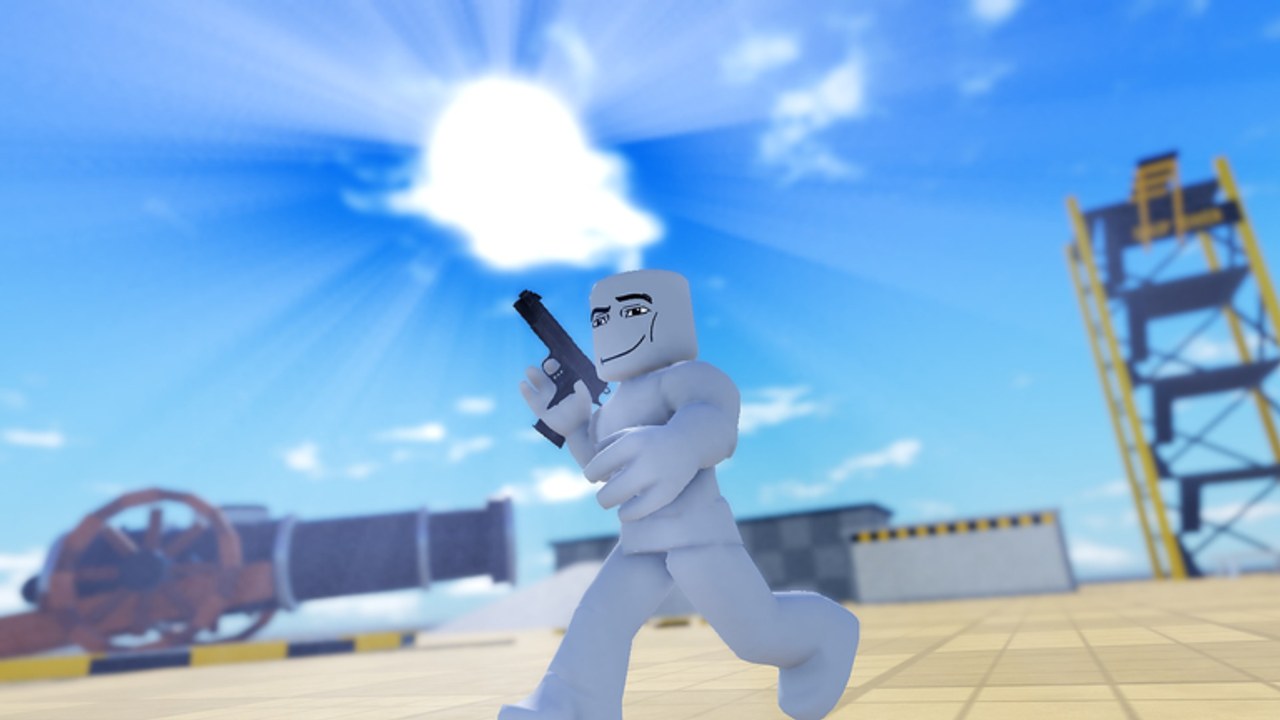
Sandbox mode is the director’s chair in Bloody Ragdoll Physics. Weapons and syringes are actors; sandbox toggles decide the stage, the clock, and the retry button. The official pitch is simple: spawn anything, bend the rules, slow time down, and rewind it. Because every server is solo, you never negotiate permissions — if a tool is unlocked on your account, it is yours for the session.
This guide covers how to open the sandbox panel, what to do with spawn and rule sliders, how to drive cars as physics props, and how to braid slow motion with rewind for readable clips. Pair it with controls for device UI tips and getting started if you have not earned basic unlocks yet.
Opening sandbox and reading locks
Look for a Sandbox, Tools, or similar HUD entry beside weapons and events. Some deeper toggles stay locked until you gather kills or purchase a gamepass. Pass prices for sandbox-style unlocks commonly fall near the 99–499 Robux range used elsewhere in the lab. Before buying, confirm what free sandbox already offers and skim gamepasses.
If the panel is missing, you may still be in a modal (NPC Wars setup, shop, codes). Close other menus first. Third-party scripts sometimes force unlock-all; unofficial shortcuts can break after patches, so learn the vanilla layout.
Spawn tools — build the scene on purpose
Spawn options let you place dummies, props, and sometimes vehicles without walking the whole map. Use spawn when:
- A previous explosion deleted your subjects.
- You need a line of dummies for shotgun farming.
- You want a clean plate for syringe A/B tests.
- You are staging an NPC Wars pre-fight photo before pressing go.
Spawn discipline
- Reset residual debris if the floor is already a limb pile.
- Spawn only as many actors as the test needs — twenty balloons will tank a phone.
- Name your intent out loud: “three zombies,” not “whatever.”
- After spawning, wait a beat for physics to settle before injecting or shooting.
Spawn is not a substitute for badges that require specific props like the cannon. Walk to Blast Off hardware when badges demand it.
Rule bending — gravity, gore, and lab flavor
Sandbox rule toggles typically adjust how strictly the lab simulates weight, blood presentation, audio, or movement speeds. Exact slider names change with updates, so read labels in your build and verify behavior with a single sledgehammer hit after each change.
Useful scientific method:
- Change one rule.
- Fire the same weapon from the same distance.
- Compare the fall to your mental baseline.
- Revert the rule before starting an unrelated syringe test.
Bending rules during a ranked opinion session for the tier list can skew results — note when a clip used custom gravity so your future self does not trust a biased take.
Slow motion — see the limbs decide
Slow motion exists because ragdoll solves are fast. Chainsaw teeth, rocket shockwaves, and balloon pops deserve frame time. Enable slow-mo just before impact, not thirty seconds earlier, or you will crawl through boring walk-ups.
Slow-mo recipes
- Melee finishers: turn on mid-swing.
- Rocket impacts: turn on as the projectile nears the floor.
- Syringe pops: turn on when the fuse feels close.
- Car windshield shots: turn on a meter before collision.
Disable slow motion after the money shot so cleanup and re-aim stay snappy. On console, keep a finger near the sandbox bind; hunting through menus mid-explosion wastes the take.
Rewind — the undo button for artists
Rewind rolls the scene backward so you can retry camera angles without a full reset. Use rewind when the physics were perfect but the framing failed. Use full reset when objects are permanently stuck under the map or when unlock scripts left the world dirty.
Rewind etiquette with yourself
- Rewind once, adjust camera, replay. Do not rewind five times hoping RNG invents a funnier limb — change a tool instead.
- After a successful rewind clip, reset anyway before a new experiment so hidden velocities do not linger.
- Rewind plus world events can desync expectations; if Nuke debris behaves oddly after a rewind, hard reset.
Time tools make syringes and world events teachable. Without them, you only remember the loudest mess.
Cars as sandbox actors
Driving is advertised on the store page for a reason: cars are momentum batteries. Spawn or find a vehicle, enter with the on-screen prompt, and treat the chassis like a giant hammer.
Car drills
- Windshield study. Seat a dummy if the UI allows, or lure a walking subject in front of the hood, then accelerate into a wall.
- Pit maneuver. Clip a standing ragdoll with a corner bumper and watch spin versus full launch.
- Multi-car yard. Park two cars, explode one with a rocket, note whether the second car becomes secondary debris.
- Event garage. Flash Freeze a moving car for a sculpture; Zero-G a mid-air jump for floating wrecks.
Exit the driver seat before opening weapon or syringe menus. Seated input traps are the number one “controls are broken” false alarm on controls.
Building a film-set session
Minutes 0–5: reset, spawn a three-dummy line, verify default rules. Minutes 5–12: weapon-only baselines with slow-mo highlights. Minutes 12–20: inject one syringe family, rewind for better angles. Minutes 20–30: introduce a car crash, then a single world event. Minutes 30–40: NPC Wars with sandbox-prepped teams if unlocked. End by checking updates so tomorrow’s sandbox panel does not surprise you.
This structure keeps sandbox power from dissolving into button mashing. You always know which layer authored the chaos.
Performance and safety tips
- Phones hate particle spam. Lower quality before Fire Storm + flamethrower + fifty spawns.
- Consoles on shared TVs benefit from higher UI scale so sandbox icons stay tappable with a stick cursor.
- Do not AFK in a Zero-G scene with endless spawns — you will return to a melted frame rate.
- Prefer rewind over rejoin; rejoining risks losing transient props you staged.
- Keep codes redemption for quiet moments between resets, not mid-take.
How sandbox upgrades the rest of the wiki routes
- Weapons gain readable impact footage.
- Syringes gain fair A/B comparisons.
- World events become controlled, not accidental.
- NPC Wars get pre-built arenas.
- Tier opinions on tier-list/weapons and tier-list/syringes become evidence-based.
Sandbox is optional for a five-minute laugh and mandatory for anyone writing serious comparisons. Unlock it when the free gun loop feels solved, then never run a big test without glancing at the clock and rewind buttons first.
Related reading
Return to getting started for unlock order, browse scripts only after you understand vanilla toggles, and track milestone props through badges. The lab is small; sandbox is how it feels infinite.
Frequently Asked Questions
Quick answers for Bloody Ragdoll Physics players.
What can sandbox mode do?
Sandbox lets you spawn subjects and props, bend lab rules, slow time, rewind takes, and stage bigger scenes including cars — once those tools are unlocked for your account.
Is sandbox free?
Basic play is free, but some sandbox options lock behind kills or gamepasses that often cost about 99–499 Robux. Check in-game prompts and the gamepasses page.
Should I rewind or reset?
Rewind when the physics were good but the camera missed. Reset when the world is cluttered, stuck, or contaminated by too many stacked events.
Do cars count as sandbox content?
Yes. Driving, crashing, and windshield launches are core sandbox toys alongside spawn and time tools.